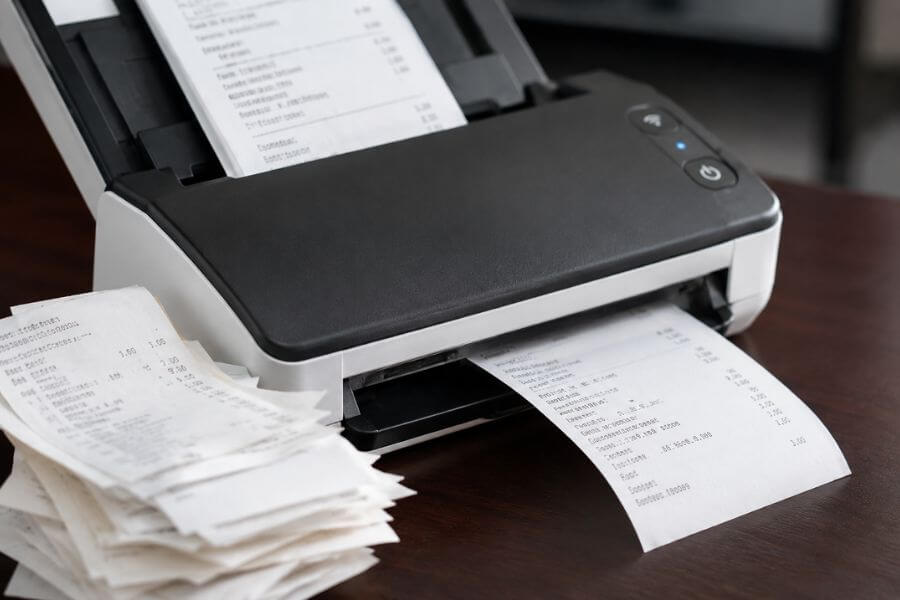
Keeping track of business expenses can quickly become overwhelming when receipts start piling up. Whether you run an online store, freelance business, consulting company, or local shop, accurate expense records are essential for budgeting, tax preparation, and financial planning.
A reliable receipt scanner can help you turn paper receipts into organized digital records in seconds. The best options use advanced scanning technology, optical character recognition (OCR), cloud storage integration, and accounting software compatibility to simplify bookkeeping.
In this guide, you’ll discover the most reliable receipt scanners available today and learn which option may work best for your small business needs.
Quick Summary Table
| Receipt Scanner | Best For | Key Strength |
|---|---|---|
| Epson RapidReceipt RR-600W | Overall performance | Fast scanning and expense management |
| Fujitsu ScanSnap iX1600 | Busy offices | High-speed batch scanning |
| Brother ADS-1800W | Mobile professionals | Wireless and portable functionality |
| Epson RapidReceipt RR-70W | Travel and remote work | Lightweight design |
| Canon imageFORMULA R40 | Daily bookkeeping | User-friendly operation |
| Raven Pro Document Scanner | Cloud-based businesses | Direct cloud integration |
| Brother ADS-4300N | Networked offices | Shared office use |
| Canon imageFORMULA RS40 | Receipt-heavy businesses | Specialized receipt processing |
| Doxie Go SE | Entrepreneurs on the move | Battery-powered portability |
How We Ranked These Receipt Scanners
When evaluating receipt scanners for small business expense tracking, we focused on the factors that matter most in real-world use.
- Scanning speed and efficiency
- OCR accuracy for extracting expense data
- Compatibility with accounting software
- Ease of setup and daily use
- Wireless and cloud connectivity
- Receipt handling capabilities
- Portability and workspace requirements
- Reliability and long-term performance
- Overall value for money
1. Epson RapidReceipt RR-600W
The Epson RapidReceipt RR-600W stands out as one of the most complete receipt scanning solutions for small businesses. It was designed specifically for receipt management and expense organization, making it an excellent choice for entrepreneurs who regularly process financial documents.
The scanner can quickly digitize stacks of receipts while automatically extracting important details such as merchant names, dates, and purchase amounts. Its wireless connectivity allows you to send files directly to cloud storage platforms and accounting applications.
Another advantage is its dedicated expense management software, which helps simplify bookkeeping and tax preparation. If your primary goal is expense tracking rather than general document scanning, this model deserves serious consideration.
Pros
- Built specifically for receipts and expense tracking
- Fast scanning performance
- Wireless connectivity
- Strong OCR accuracy
- Excellent accounting software integration
Cons
- Higher price than entry-level models
- Larger footprint than portable options
2. Fujitsu ScanSnap iX1600
The Fujitsu ScanSnap iX1600 has earned a strong reputation among small businesses because of its speed, reliability, and ease of use.
Its large touchscreen interface makes navigation simple, even if you are not particularly tech-savvy. The scanner can process large batches of receipts and documents quickly, helping reduce administrative work.
Many small business owners appreciate its ability to organize files automatically and integrate with popular cloud storage services. The scanner also performs well with invoices, contracts, and other business paperwork.
Pros
- Excellent scan quality
- Large touchscreen controls
- Fast batch scanning
- Strong software ecosystem
- Reliable long-term performance
Cons
- Premium pricing
- Less specialized for receipt management than some competitors
3. Brother ADS-1800W
If you often work outside the office, the Brother ADS-1800W offers a practical balance between portability and functionality.
This compact scanner supports wireless connectivity and can scan receipts directly to cloud platforms, computers, and mobile devices. Despite its smaller size, it still provides solid OCR performance and fast scanning speeds.
The touchscreen interface helps streamline workflows, making it easier to organize expenses while traveling or working remotely.
Pros
- Compact design
- Wireless operation
- Good scan quality
- User-friendly touchscreen
- Suitable for travel
Cons
- Smaller feeder capacity
- Not ideal for very large scanning jobs
4. Epson RapidReceipt RR-70W
The Epson RapidReceipt RR-70W is designed for entrepreneurs who frequently travel between client meetings, job sites, and remote work locations.
Its lightweight design allows you to carry it in a laptop bag without adding significant bulk. The scanner can capture receipts, invoices, and other financial documents while providing useful expense categorization features.
For freelancers and mobile business owners, the convenience factor is a major advantage.
Pros
- Extremely portable
- Wireless functionality
- Receipt-focused software
- Easy to transport
- Good OCR accuracy
Cons
- Slower than desktop scanners
- Limited volume capacity
5. Canon imageFORMULA R40
The Canon imageFORMULA R40 is a dependable scanner that works well for businesses seeking simplicity and consistency.
Its setup process is straightforward, and the included software makes it easy to digitize receipts and organize records. The scanner handles various document sizes efficiently, which is useful if you frequently process receipts alongside invoices and business forms.
Small business owners who want a simple, reliable solution often find this model appealing.
Pros
- Easy setup
- Consistent scan quality
- Handles multiple document types
- Reliable daily performance
- User-friendly software
Cons
- Fewer advanced features
- Limited specialized expense tools
6. Raven Pro Document Scanner
The Raven Pro Document Scanner focuses heavily on cloud-based workflows. This makes it attractive for businesses that store financial records digitally and collaborate remotely.
The built-in touchscreen allows you to scan directly to cloud storage services without needing a computer. This streamlined workflow can save time and reduce clutter in your office.
For business owners who prioritize digital organization, Raven Pro offers a modern approach to document management.
Pros
- Direct cloud scanning
- Large touchscreen
- Computer-free operation
- Strong workflow automation
- Excellent digital organization
Cons
- Premium price point
- More features than some small businesses need
7. Brother ADS-4300N
The Brother ADS-4300N is well suited for growing businesses with multiple employees handling expense records.
Its network connectivity allows team members to access scanning capabilities across the office. The scanner processes receipts quickly and supports high daily scan volumes.
If your company handles large amounts of paperwork and requires shared access, this model offers strong value.
Pros
- Network connectivity
- High-volume performance
- Reliable operation
- Fast scanning speeds
- Suitable for office teams
Cons
- Less portable
- Designed primarily for office environments
8. Canon imageFORMULA RS40
The Canon imageFORMULA RS40 is specifically engineered for receipt and invoice processing.
Its software automatically extracts key information from receipts and organizes data into searchable formats. This feature can significantly reduce manual data entry and improve record accuracy.
Businesses with large numbers of monthly transactions often appreciate the efficiency gains this scanner provides.
Pros
- Receipt-focused design
- Good OCR extraction
- Efficient expense organization
- Fast scanning
- Easy data management
Cons
- More specialized than general-purpose scanners
- May be unnecessary for light users
9. Doxie Go SE
The Doxie Go SE is one of the most portable receipt scanners available. Its battery-powered operation allows you to scan documents virtually anywhere without needing an outlet.
Entrepreneurs who attend trade shows, client meetings, or business events often find it useful for capturing receipts immediately rather than storing paper copies.
Although it is not intended for heavy office workloads, its portability makes it a valuable tool for many small business owners.
Pros
- Battery-powered convenience
- Extremely portable
- Easy operation
- No constant power source required
- Ideal for travel
Cons
- Lower scanning volume
- Not suited for large batches
Conclusion
Managing business expenses becomes much easier when you have a reliable receipt scanner handling the paperwork. Instead of sorting through stacks of receipts at tax time, you can maintain organized digital records throughout the year.
If you want the best overall solution, the Epson RapidReceipt RR-600W offers an impressive combination of receipt-focused features, OCR accuracy, and accounting integration. Businesses that process larger volumes of documents may prefer the Fujitsu ScanSnap iX1600, while mobile professionals can benefit from the portability of the Brother ADS-1800W or Doxie Go SE.
The right scanner ultimately depends on your workflow, scanning volume, and budget. Investing in a dependable receipt scanner today can save countless hours of manual bookkeeping in the future.
Frequently Asked Questions
Can receipt scanners help during tax season?
Yes. Receipt scanners make it much easier to locate expense records, categorize purchases, and provide documentation if you need to verify deductions during tax preparation.
How accurate is OCR technology on modern receipt scanners?
Most modern scanners offer highly accurate OCR performance, especially when receipts are clean and clearly printed. Accuracy levels are generally much better than manual data entry.
Do I need special accounting software to use a receipt scanner?
No. Many receipt scanners can save files as PDFs or images. However, integrating them with accounting software can make expense tracking more efficient.
How long should businesses keep scanned receipts?
Retention requirements vary depending on tax regulations and business type. Many businesses keep digital records for several years to support financial reporting and tax documentation.
Are mobile receipt scanning apps better than dedicated scanners?
Mobile apps are convenient for occasional use, but dedicated receipt scanners usually offer faster processing, better OCR accuracy, batch scanning capabilities, and improved organization for growing businesses.